AI vs Automation for Concrete Contractors: What Actually Helps a 3-Crew Shop
Most "automation" sold to contractors is a phone tree. Here's how that differs from conversational AI, what to automate first, and what to never touch.
A homeowner calls about a cracked driveway. They hear "Press 1 for scheduling, press 2 for billing." They hang up and call the next contractor on the list.
For a lot of contractors, that's what "automation" means, and it's why they stopped listening. Fair enough.
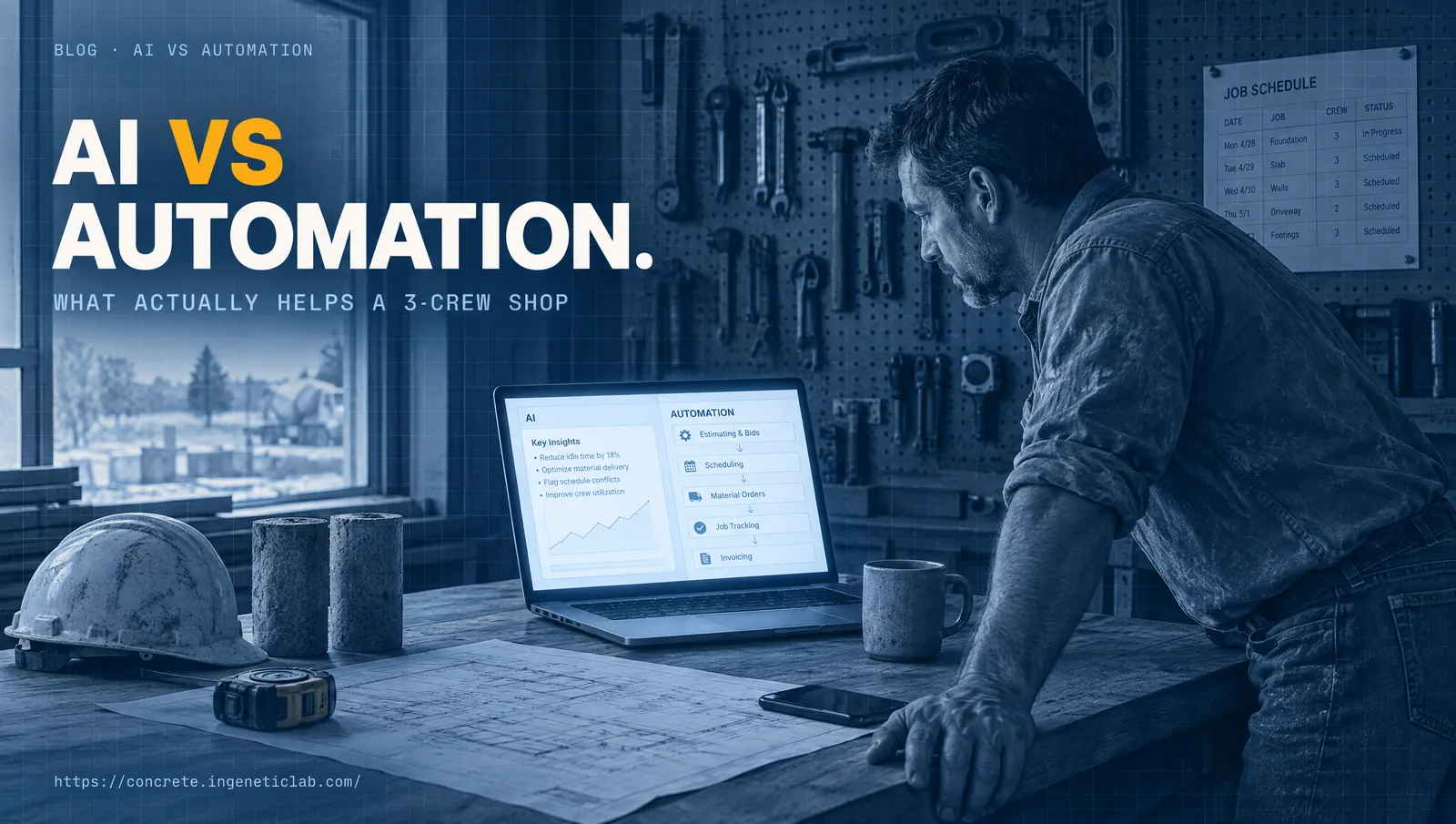
Here's the difference in one line: a phone tree makes the caller do the work, and conversational AI does the work for them. It answers like a person would, asks your questions, books the site visit, and follows up. The only test that matters is whether a tool removes repeatable, hours-eating work without taking judgement away from you.
This guide covers what the difference actually is, what a three-crew shop should automate first, and what it should never automate at all.
What do contractors hear when someone says "automation"?
Usually, bad memories. Phone menus that trap callers in a loop. Web forms that land in an inbox nobody checks. Auto-replies that say "we'll get back to you" and then don't.
Being skeptical of that is reasonable. You've seen that kind of tool cost you jobs.
The reason it failed is simple. A menu can only handle the questions it was built for, and every concrete job starts with a question. "Can you do a stamped patio by June?" "Do you pull the permit?" "Is this crack a big deal?" None of those fit behind "press 1."
So the caller gives up. To them, a menu that can't answer them feels about the same as nobody picking up.
What is conversational AI, in plain English?
Conversational AI is software that can hold a normal back-and-forth conversation, by phone or text. Instead of making the caller pick from a menu, it listens to what they actually say.
In a concrete business, a good setup can:
- Answer the call or text when you can't.
- Understand the request: "I need a new driveway, about 600 square feet."
- Answer common questions in your words, like your service area or whether you do repairs.
- Ask the two or three questions you'd ask: what kind of job, how big, when they need it.
- Book the site visit or a callback on your calendar.
- Send a reminder, and follow up later.
The industry itself now draws this line. AI for Contractors, a site that reviews and promotes AI phone tools for contractors, puts it bluntly: the "press 1 for scheduling, press 2 for billing" menu is "dead technology."
And AI isn't only showing up on the phone. Some software companies now sell AI tools built for concrete work specifically. Pilars, for example, sells software that reads 2D structural drawings to estimate concrete volumes, rebar tonnage, and formwork areas.
Here's the difference side by side:
| Old automation (phone tree) | Conversational AI |
|---|---|
| Caller has to pick from a menu | Caller just talks |
| Breaks on any unexpected question | Handles normal questions, hands off the rest |
| Feels like a barrier | Feels like a receptionist who knows the business |
| Ends with "we'll call you back" | Ends with a booked visit or a clear message for you |
One honest caveat: conversational AI isn't perfect. It can misunderstand an accent on a bad line, or get a detail wrong. That's why a good setup is built to hand off to you, not to pretend it knows everything.
What happens when the AI doesn't know the answer?
It should stop and hand off, not guess. This is the most important thing to check in any tool, and the easiest to test before you trust it.
A well-built setup has clear rules about what it can say and what it can't. For a concrete business, that usually means:
- It can answer: your service area, the kinds of jobs you take, your hours, and how the site visit works.
- It can't answer: prices, pour dates, whether a crack is structural, or anything it wasn't given.
When a caller asks something on the "can't" list, it should say so plainly: "That's a question for the owner. I'll have them call you back this afternoon." Then it should send you a short, clear message with the caller's name, number, and exactly what they asked.
Test this yourself before you use any tool. Call it and ask something awkward. If it makes up an answer, that's a problem.
What is the three-question test for any tool?
Before you buy any tool, or automate any task, ask three questions:
- Does it happen the same way every time? If yes, it can be automated.
- Does it eat more than an hour a week? If yes, it's worth automating.
- Does the answer change with the customer? If yes, that part stays human.
Run every task and every tool through those three questions. That includes anything we'd build for you. If a task fails the test, don't let anyone automate it, us included.
A few quick examples:
- A reminder the day before a site visit passes all three. Automate it.
- Chasing a signed estimate passes all three for the first few check-ins. Once the customer replies with a question, it goes to you.
- Answering "how much for a 20 by 20 patio?" fails the third question. The honest answer depends on access, base, finish, and your schedule, so it stays with you.
- Deciding whether a customer's base is good enough to pour on fails the third question too. That's your call on site.
What should a three-crew shop automate first?
Start with the tasks that repeat most and eat the most hours. This order comes from repetition and time saved, not from what sounds impressive.
1. Missed-call response
When you're on a pour, calls go to voicemail and leads go cold. An instant reply that acknowledges the call, asks your qualifying questions, and books a callback closes that gap. Research on lead response shows why the first few minutes matter so much. We cover it in detail in our guide on how fast a concrete contractor should respond to a lead.
2. Pour-day readiness and reminders
The pre-pour checklist, the crew notice, and the supplier confirmation happen before every pour, the same way each time. A system can send them on schedule and flag anything that isn't confirmed, so a truck isn't waiting on forms that aren't ready.
3. Estimate follow-up
Estimates take hours to build, then often sit with no follow-up. A fixed schedule of check-ins, for example on day 2, day 5, and day 10, keeps them from dying in drafts. The moment the customer replies, it goes to you.
4. Routine admin drafting
First drafts of invoices, routine replies, and scheduling notes can be prepared for you to check and send. You stay in charge of the final version.
For the bigger picture of where time and money slip away, see our breakdown of the six places a concrete business leaks money.
What should you never automate?
Some things should stay with you, no matter how good the software gets:
- Pricing and final bid decisions. Your price reflects the site, the customer, and your schedule. That's judgement.
- Disputes, complaints, and anything emotional. An upset customer needs a person, not a script.
- The pour-date call. Anything that depends on weather, crew, or site conditions stays with you.
- The site visit and the relationship. That's where jobs are actually won.
- Anything safety-related. No exceptions.
- Outbound calls with an AI voice to people who haven't agreed to it. In February 2024 the FCC ruled that AI-generated voices count as "artificial" under federal robocall law, which means outgoing calls using them need the person's prior consent.
The principle is simple: automate the timing, keep the relationship human.
What does this look like in a normal week?
The change isn't dramatic. It's a lot of small things that stop slipping.
- New leads hear back in minutes instead of whenever you get to the truck.
- Crews hear about schedule changes without a chain of phone calls.
- Estimates get chased without you having to remember to chase them.
- Suppliers get confirmations on time, before pour day.
- Some of your evenings come back, because the routine messages are already drafted.
Nothing about the work itself changes. You still price the jobs, walk the sites, and make the calls that matter.
How should you judge what a tool is worth?
Don't start with the price. Start with what the tool removes.
Price any tool against two things:
- The hours it removes from your week or your office.
- The jobs it recovers that would otherwise have gone cold.
Then set a hard rule: if you can't measure the difference within a month, don't keep it. Write down the hours and the missed leads before you start, and check the same numbers after 30 days. Insist on testing a fix on one real problem before you commit to anything bigger.
If you're also working on getting found in the first place, for example by getting your business recommended by ChatGPT, the same rule applies. More leads only help if something catches them.
Frequently asked questions
What's the difference between AI and automation for a contractor?
Old automation follows a fixed script: press 1, fill in this form, get this canned reply. It breaks the moment someone asks something it wasn't built for. Conversational AI can understand what a person actually says, answer normal questions in your words, and book the next step. Both should only handle repeatable work. Neither should make judgement calls for you.
Can AI answer my phone like a receptionist?
For the routine part, yes. It can answer, ask what the job is, ask your qualifying questions, answer common questions like your service area, and book a site visit or a callback. A good setup hands anything unusual to you with a clear message. It shouldn't quote prices, promise dates, or handle an upset customer.
Will customers be annoyed if a machine replies first?
People get annoyed by phone menus, dead ends, and silence. A fast, clear reply that answers their question and books a time usually beats a voicemail box that never calls back. Be upfront that it's an automated assistant, keep it short, and make sure a real person follows up when promised.
What should a 3-crew concrete shop automate first?
Start with missed-call response, because every missed call is a job that might go to someone else. Then pour-day readiness reminders, then estimate follow-up, then routine admin drafting. That order comes from how often each task repeats and how many hours it eats, not from which tool sounds most impressive.
Is AI actually worth it for a small construction business?
Only if it removes work you can measure. Before you buy anything, write down how many hours the task takes each week and how many leads or jobs slip through. Then check the same numbers after a month. If nothing moved, it isn't worth it, no matter how clever the tool sounds.